Note
Go to the end to download the full example code.
Plot a 3D image
This example shows how to plot a single 3D image.
Download the images
import tarfile
import urllib.request
from pathlib import Path

url = "https://aramislab.paris.inria.fr/clinicadl/files/handbook_2023/data_oasis/BIDS_example.tar.gz"
data_path = Path("data")
data_path.mkdir(exist_ok=True)
download_path = data_path / "BIDS_example.tar.gz"

urllib.request.urlretrieve(url, download_path)
with tarfile.open(download_path, "r:gz") as tar:
    tar.extractall(path=data_path)

image_path = (
    data_path
    / "data_oasis"
    / "BIDS_example"
    / "sub-OASIS10016"
    / "ses-M000"
    / "anat"
    / "sub-OASIS10016_ses-M000_T1w.nii.gz"
)
image_path.exists()
/home/runner/work/tuto-doc/tuto-doc/examples/plot_single_image.py:23: DeprecationWarning: Python 3.14 will, by default, filter extracted tar archives and reject files or modify their metadata. Use the filter argument to control this behavior.
  tar.extractall(path=data_path)

True
Plot the raw image
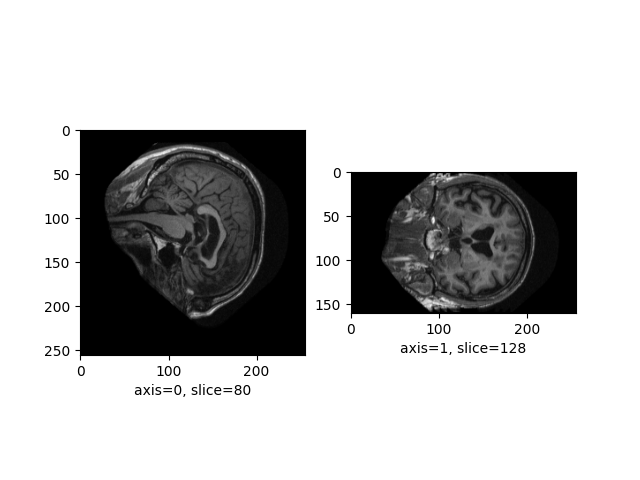
Let’s plot the sagittal and coronal axes of the image:
from neuroplot.plot.single import SinglePlot

plotter = SinglePlot(axes=[0, 1])
plotter.plot(img_path=image_path)
<Figure size 640x480 with 2 Axes>
Add transforms
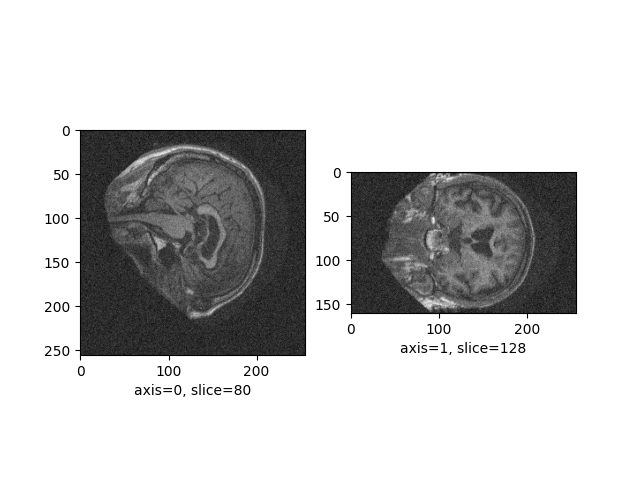
Let’s add some noise to the image:
from neuroplot.transforms import Noise

plotter = SinglePlot(axes=[0, 1], transforms=[Noise(std=200)])
plotter.plot(img_path=image_path)
<Figure size 640x480 with 2 Axes>
Total running time of the script: (0 minutes 7.421 seconds)